
Do you want to watch your favorite movies in stunning 4K quality? A good 4K Blu-ray player software can help. These programs let you enjoy ultra HD content on your computer. You get amazing picture quality and sound. This guide will show you the best options available today.
What to Look For in 4K Blu-ray Player Software
Choosing the right software matters a lot. You need to know what features to look for. Good software should support multiple formats. It should handle 4K content smoothly. Here are the key things to check.
First, look for HDR support. HDR makes colors pop and images look real. Your software should support HDR10 and Dolby Vision. This gives you the best viewing experience. Many modern discs use these formats.
Second, check audio quality features. Good software plays high-resolution audio. Look for support of Dolby Atmos and DTS:X. These create immersive sound experiences. Your movies will sound as good as they look.
Third, consider the user interface. The software should be easy to use. You want simple navigation and clear menus. Good controls make watching movies enjoyable. No one likes complicated settings.
Fourth, verify format compatibility. The software should play various disc types. It needs to handle regular Blu-rays too. Some programs also play DVDs and video files. More format support means more flexibility.
Finally, think about system requirements. Your computer needs enough power for 4K playback. Check if your hardware matches the software needs. Make sure your graphics card supports 4K output. This prevents stuttering and poor quality.
Top Software Picks (Best 4)
We tested many programs to find the best ones. These four stand out from the rest. Each offers unique features and benefits. Let’s explore what makes them special.
Leawo Blu-ray Player
Leawo Blu-ray Player is completely free to use. You don’t pay anything to enjoy 4K content. This makes it perfect for budget-conscious users. Despite being free, it offers excellent quality.
The software plays all disc types smoothly. It handles 4K UHD Blu-rays without issues. You can also play regular Blu-rays and DVDs. It even supports common video files. This versatility makes it very useful.
The interface is clean and simple. You can navigate menus easily. The playback controls are straightforward. Even beginners can use it comfortably. There’s no learning curve to worry about.
Leawo supports high-quality audio formats. You get clear, rich sound with your movies. The program also preserves video quality perfectly. Colors look vibrant and details stay sharp. Your 4K discs will look amazing.
AnyRec Blu-ray Player
AnyRec Blu-ray Player offers professional-grade features. It delivers excellent 4K playback performance. The software handles complex scenes smoothly. You won’t experience lag or stuttering. Movies play exactly as intended.
This player supports advanced audio technologies. It works with Dolby Digital and DTS audio. Your sound system will produce theater-quality audio. Action scenes feel more immersive and exciting. Music and dialogue come through clearly.
The customization options are impressive. You can adjust video settings to your liking. Change brightness, contrast, and saturation easily. Audio settings are also customizable. This lets you create your perfect viewing setup.
AnyRec includes useful playback features. You can take screenshots during movies. The program remembers where you stopped watching. It picks up right where you left off. These small touches improve the experience.
DVDFab Player 6 Ultra
DVDFab Player 6 Ultra is a premium option. It offers advanced features for serious enthusiasts. The software supports the latest technologies. You get cutting-edge performance and quality. This player handles even the most demanding content.
The program excels at HDR playback. It supports HDR10, HDR10+, and Dolby Vision. Colors look incredibly accurate and vibrant. Contrast is perfect in every scene. Bright and dark areas show proper detail.
Navigation menus work perfectly with this software. You access all disc features easily. Chapter selection is quick and responsive. Bonus features play without problems. The experience matches standalone players.
DVDFab includes a media library feature. You can organize your collection efficiently. The software displays cover art and information. Finding movies becomes much easier. This feature suits users with large collections.
CyberLink PowerDVD
CyberLink PowerDVD is well-established software. It has been trusted for many years. The company updates it regularly with improvements. You always get the latest features and fixes. This reliability makes it popular.
The software offers excellent format support. It plays virtually any disc or file. 4K Blu-rays work flawlessly on this player. You can also stream online content. This all-in-one approach is very convenient.
PowerDVD includes unique viewing modes. You can create custom viewing environments. The TrueTheater technology enhances video quality. Even older content looks better when upscaled. These features add real value.
The audio enhancement tools are impressive. CyberLink improves sound for various setups. Whether you use headphones or speakers, audio sounds great. The software optimizes everything automatically. You don’t need technical knowledge to benefit.
Tips for Successful 4K Blu-ray Playback on PC
Getting perfect 4K playback requires proper setup. Follow these tips to avoid common problems. They will help you achieve the best results. Your viewing experience will be much better.
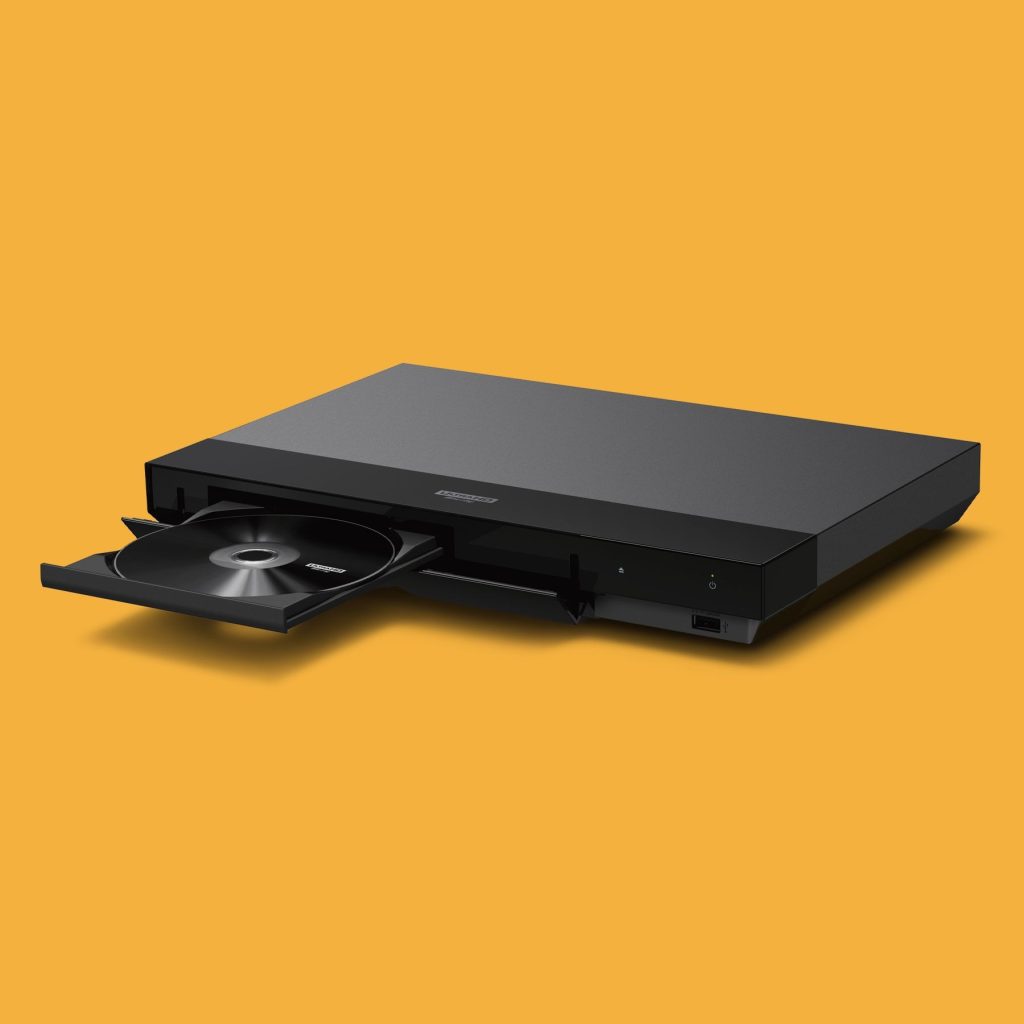
First, ensure you have a 4K UHD-capable Blu-ray drive. Not all Blu-ray drives support the larger 4K discs. Regular Blu-ray drives won’t work with UHD content. Check your drive specifications before buying discs. This prevents wasted money and disappointment.
Second, ensure hardware meets requirements. Your CPU and GPU must handle 4K and HDR. Check that you have correct drivers installed. Outdated drivers cause playback problems. Visit manufacturer websites for the latest versions.
Third, install latest firmware for drive and software updates. Manufacturers release updates to fix bugs. New firmware often improves compatibility. Updates add support for newer discs. Keep everything current for best performance.
Fourth, check for region and disc protection issues. Some discs may still be region-coded or DRM restricted. Verify your drive matches the disc region. Some software handles regions better than others. Research your specific discs if problems occur.
Fifth, use the software’s disc menu and chapter controls. Don’t rely solely on file playback options. Disc menus provide the proper viewing experience. You access all features the creators intended. Bonus content and special features work correctly.
Finally, for the best audio and video experience, connect properly. Use a display capable of showing HDR content. Your sound system should support high-resolution audio. Quality cables make a real difference too. HDMI 2.0 or higher is necessary for 4K.
Conclusion: Which Should You Choose?
Selecting the right software depends on your needs. Each program has specific strengths to consider. Think about what matters most to you. Budget, features, and ease of use all matter.
Choose Leawo Blu-ray Player if you want free software. It offers excellent quality without any cost. The simple interface suits casual users perfectly. You get everything needed to play 4K Blu-rays on your PC.
Pick AnyRec if you value customization options. It gives you control over video and audio settings. The performance is reliable and smooth. This suits users who like to tweak settings.
Select DVDFab Player 6 Ultra for premium features. It offers the best HDR support available. The media library feature helps organize collections. This works great for serious movie collectors.
Go with CyberLink PowerDVD for versatility. It handles many formats and includes streaming. The enhancement technologies improve all content. This suits users wanting an all-purpose solution.
Remember to check your computer’s capabilities first. Make sure your hardware can handle 4K content. Install the necessary drivers and updates. With proper setup, any of these programs will work well.
Start enjoying your 4K Blu-ray collection today. Download your chosen software and begin watching. You’ll appreciate the stunning picture quality immediately. Movies have never looked or sounded better.
Frequently Asked Questions (FAQs)
Q1: Do I need special hardware to play 4K Blu-rays on my PC?
Yes, you need a 4K UHD-capable Blu-ray drive. Regular Blu-ray drives cannot read UHD discs. Your computer also needs a powerful CPU and GPU. An HDMI 2.0 port is required for 4K output. Check all specifications before attempting 4K playback.
Q2: Can free software play 4K Blu-rays as well as paid options?
Yes, free software like Leawo Blu-ray Player works excellently. It plays 4K content with full quality. Paid software often includes extra features like media libraries. However, basic playback quality remains similar. Choose based on features you actually need.
Q3: Why won’t my 4K Blu-ray disc play in my player software?
Several issues could cause this problem. Your drive might not support UHD discs. The disc could be region-locked differently than your drive. Outdated firmware or drivers often cause problems. Try updating everything before troubleshooting further.
Q4: What’s the difference between HDR10 and Dolby Vision?
Both are HDR formats that improve picture quality. HDR10 is an open standard that most devices support. Dolby Vision offers dynamic metadata for better scene-by-scene optimization. Dolby Vision typically provides slightly better quality. Not all content or devices support both formats.
Q5: Can I play 4K Blu-rays on a laptop?
Yes, if your laptop meets the requirements. You need an external 4K Blu-ray drive for most laptops. The laptop must have sufficient processing power. A 4K-capable display improves the experience greatly. Battery life will drain faster during 4K playback.
Q6: Will these software players work with regular Blu-rays and DVDs too?
Yes, all mentioned software plays regular Blu-rays and DVDs. They’re backward compatible with older formats. This makes them versatile for any disc collection. You don’t need separate programs for different disc types.
Q7: How much hard drive space do I need for 4K Blu-ray player software?
The software itself uses minimal space, usually under 500MB. However, if you rip discs to your hard drive, space becomes important. A single 4K movie can use 50-100GB of storage. Plan accordingly if you want to store movies digitally.
Q8: Can these programs play other video file formats besides discs?
Yes, most 4K Blu-ray player software supports various video files. Common formats like MP4, MKV, and AVI work well. This versatility makes them useful for all video playback needs. You get one program for everything.