

A USB drive may seem stable even while silent corruption forms inside it. Small glitches appear and disappear, so the device still feels reliable. These faults often come from earlier formatting choices, and they become noticeable only when you open files stored on the drive or save something new to it.
Your usual online activity continues without any effect on the device, including a quick visit to big small game, which makes these early problems easy to miss until certain actions reveal them. This is why the mistakes described below need attention long before the first clear warning appears.
Mistake #1: Using the Wrong File System for Your Device
The file system defines how data sits on the drive. FAT32, exFAT, and NTFS serve different purposes, and a mismatch often causes instability over time. A smart TV or media player accepts FAT32 but fails to read NTFS directory tables. Some cameras format exFAT in a custom way, which creates inconsistencies when the drive returns to a PC. NTFS offers a strong structure on computers but lacks full support in many consoles and older systems.
A hidden issue appears when a device modifies metadata without notice. The drive works at first, yet repeated rewrites place stress on the memory layout until weak blocks fail. A correct match between device requirements and file system rules reduces this risk and protects stored data.
Mistake #2: Allocation Unit Size That Creates Hidden Weak Points
Cluster size controls how the drive groups data. Larger clusters reduce overhead but waste space with small files. Smaller clusters improve space efficiency but force the drive to handle more write operations. Each additional write cycle places tension on flash memory cells. A poorly selected cluster size multiplies these cycles and leads to weakened sections over time.
A drive used for large video files performs better with a larger allocation size. A drive used for documents benefits from a smaller one, but only to a point. Excessively small clusters cause frequent rewriting across the same regions of memory. A balanced setting suits the file types you use most often and reduces unnecessary wear on the controller.
Mistake #3: Quick Formats Without Periodic Full Formats
Quick format resets the file table but leaves old data behind. Hidden fragments from previous use create conflict with new data structures after several cycles. Full format takes longer but scans the drive for weak areas and forces the controller to reassign problematic blocks.
A short checklist clarifies the difference:
- Quick format clears directory references.
- Old data remains on the drive.
- Bad sectors stay unreported unless full format scans them.
- Full format identifies weak regions and improves long-term stability.
Quick format has value when time is limited, yet overreliance on it allows silent fragmentation to accumulate. Occasional full formats restore a clean foundation and reduce the chance of slow corruption.
Mistake #4: Non-Standard Format Sources That Create Instability
Some devices create their own version of FAT32 or exFAT, often with modified parameters. A dashcam might add proprietary structures for loop recording. A console might create allocation rules suited to game saves. These versions function inside the device but break when the drive moves elsewhere. File tables start to drift from the standard format, and PCs respond with partial reads or slow loading.
Formatting on a PC with a consistent utility maintains a predictable layout. Device-specific formats should appear only when required by the manufacturer, not as a default method for every reset.
Mistake #5: Excessive Rewrites That Reduce Flash Lifespan
A USB drive endures a limited number of write cycles. Format operations trigger broad rewrites across the entire memory surface. Constant switching between FAT32, exFAT, and NTFS increases stress. Flash memory responds well to normal use but weakens when major structural rewrites occur too often.
A stable format that suits the main device lowers the need for constant changes. Fewer cycles lead to longer drive life and a lower risk of silent data loss.
Mistake #6: Format Requests That Ignore Existing Drive Errors
Some drives show subtle signs of trouble long before corruption becomes severe. A format may appear successful even when weak sectors already exist, and this creates deeper faults because the new file tables sit on unstable ground.
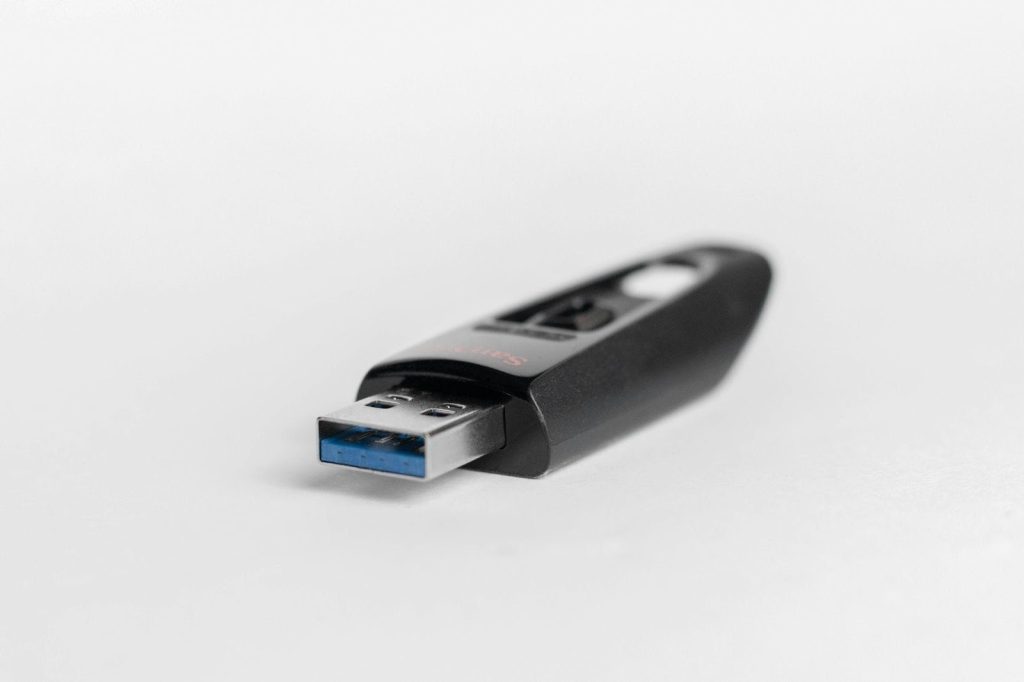
Common indicators include:
- Slow response during file copying
- Intermittent recognition
- File names that shift to symbols
- Incorrect capacity readings
- Repeated prompts to run repair tools.
A quick diagnostic scan before formatting uncovers weak areas and confirms that the drive handles basic tasks without error. This single step lowers the risk of hidden corruption and gives the new layout a stable base.
Mistake #7: Format Attempts on Drives That Operate Under Pressure
A drive near maximum capacity places heavy demand on its controller. Certain systems reorganize memory blocks during a format, yet this process fails when free space runs low. A drive under active load faces a similar risk. A PC that indexes files or a device that scans media libraries interferes with the formation of new tables.
Formatting works best when the device stays idle and has enough free space. This gives the controller room to move data safely and assign new locations without collision.
How to Format Safely: A Short Checklist
A clear set of habits maintains long-term drive stability. Essential steps include:
- Match the file system to the device.
- Select a cluster size suited to file types.
- Use reliable PC-based tools for standard formats.
- Apply full formats periodically.
- Diagnose the drive before major restructuring.
- Avoid frequent format cycles.
- Keep the drive idle during the process.
Each step lowers stress on the controller and protects the integrity of stored data. A consistent approach builds stronger internal stability and reduces the chance of unpredictable faults during regular use.
A Clear Path to Long-Term USB Health
Small decisions influence how long a USB drive remains dependable. File systems, cluster sizes, and formatting methods all shape the internal structure of flash memory. Careful choices prevent silent corruption and preserve performance. A stable format helps the drive handle daily use without strain, and consistent maintenance protects data far beyond the initial setup stage.